
iPhone
Connect the iPhone by USB to a Windows PC or Apple Silicon Mac. Collect selected sources or everything available in the local backup. Cloud-only and backup-excluded data may be absent.
Wasatch Collect
Send your client a connection code. They follow the app’s instructions to collect iPhone or Android data, and you manage the request and results in your workspace.
How collection works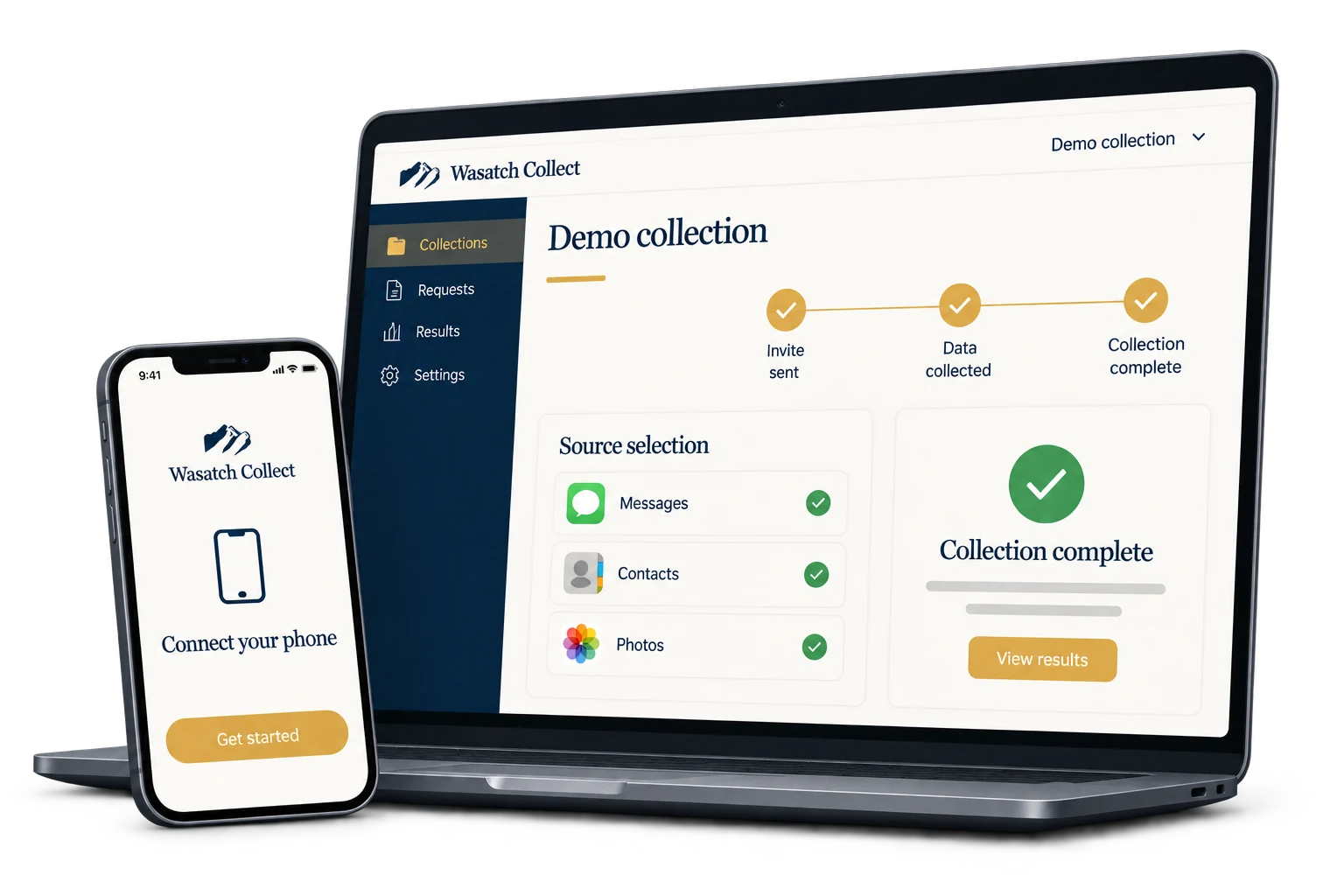
For firms & collection teams
Set up the collection in your workspace. Your client completes their part in the app.
Sign in to your workspaceChoose the custodian and data sources, or a full local iPhone backup, then send a connection code.
They use the download link you send, enter the code, and follow the instructions for their phone.
Track the collection in your workspace, download the files, and create review exports.
Before you start
Connect the iPhone by USB to a Windows PC or Apple Silicon Mac. Collect selected sources or everything available in the local backup. Cloud-only and backup-excluded data may be absent.
Install Wasatch Collect on the phone for permission-based phone data and requested files. For WhatsApp, LINE and KakaoTalk, share the requested chat exports to the app. Export history and media limits vary by app.
Choose RSMF, CSV, Excel, DAT, XML, TXT, PDF or native files for each available source. Apply date and contact filters where supported. Available formats depend on the collected data; review findings identify gaps. Original files stay unchanged.
Save a password-protected Wasatch archive, then explicitly remove hosted files when you are ready. Import the archive later without another collection credit. Downloading an archive alone does not remove hosted files.
Talk to Wasatch
Tell us what you need to collect. We’ll help you work out the next step.